

In modern enterprise networks, fast and accurate fault diagnosis is critical to maintaining stable wireless services. Huawei switches equipped with Intelligent Diagnosis provide a powerful, user-friendly tool to quickly identify and resolve WLAN issues, minimizing downtime and improving network efficiency.
What Is Intelligent Diagnosis?
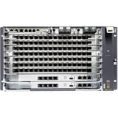
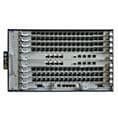
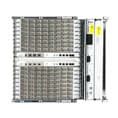
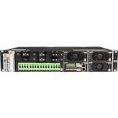
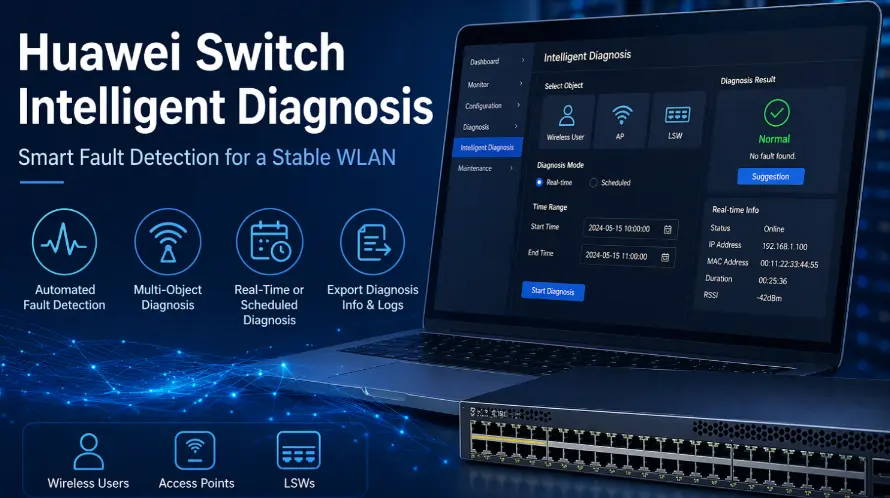
Intelligent Diagnosis is a built-in feature on selected Huawei switches that enables automated analysis of WLAN devices and network conditions. When a fault occurs, network administrators can use this function to detect issues affecting wireless users, access points (APs), or Layer 2/3 switches (LSWs).
If the issue cannot be resolved locally, the system allows you to export detailed diagnostic data and logs for further analysis by technical support teams.
Supported Models
This feature is available on the following Huawei switch series:
- S5731-H
- S5731S-H
- S5732-H
- S6730-H, such as S6730-H48X6C, S6730-H24X6C
- S6730S-H
It operates specifically in NAC unified mode and parent mode, ensuring centralized control and visibility.
Ideal Deployment Scenarios
The web-based Intelligent Diagnosis tool is best suited for:
- Small- to medium-sized wireless networks
- Enterprises requiring quick troubleshooting without complex tools
For large-scale network environments, Huawei recommends using advanced network management platforms such as eSight for more comprehensive monitoring and control.
Key Diagnosis Objects
Intelligent Diagnosis supports multiple network elements, allowing flexible troubleshooting:
- Wireless Users (STA) – Identify client-side connectivity issues
- Access Points (APs) – Detect AP-related faults
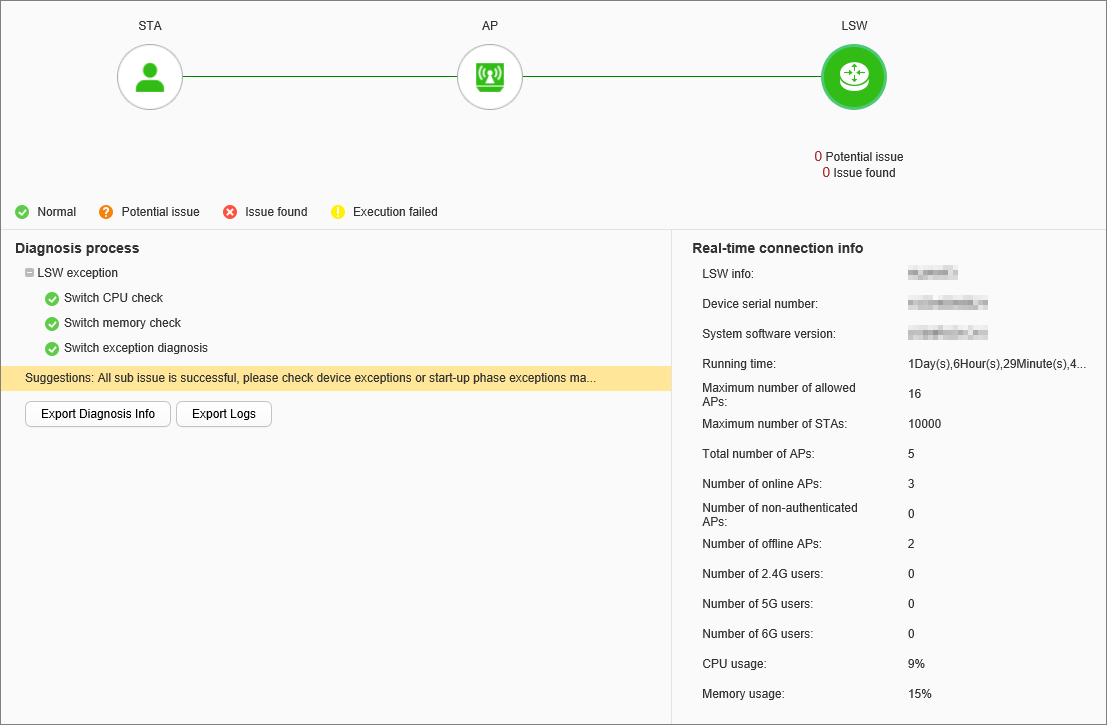
- Switches (LSWs) – Analyze switching layer performance
Flexible Diagnosis Modes
Huawei provides two diagnosis modes to suit different operational needs:
- Real-Time Diagnosis
Starts immediately after initiation, ideal for urgent troubleshooting - Scheduled Diagnosis
Allows administrators to define a time window for analysis, useful for intermittent or recurring issues
How Intelligent Diagnosis Works
The process is straightforward and efficient:
- Navigate to Diagnosis > Intelligent Diagnosis in the web interface
- Select the object (Wireless User, AP, or LSW)
- Configure diagnosis parameters such as:
- Time range (start and end time)
- Diagnosis mode (real-time or scheduled)
- Identification method (MAC address, IP address, or AP name)
Tip: For AP diagnosis, using the MAC address is recommended for higher accuracy.
- Start the diagnosis or schedule the task
- View results and real-time connection data directly on the interface
Once completed, the system provides actionable suggestions to help resolve detected issues quickly.
Task Management and Monitoring
Administrators can easily manage diagnosis tasks:
- View pending tasks under Non-diagnosed
- Review completed tasks under Diagnosed
- Delete tasks that are no longer needed
This ensures efficient tracking and control of troubleshooting activities.
Exporting Diagnosis Data and Logs
For deeper analysis or escalation, Huawei enables exporting detailed files:
- overall_diaginfo_xxx.txt
Contains complete diagnostic information of the device - autodiagnose-detail.txt
Includes results of the current diagnosis session
Additionally, system logs can be exported separately, allowing engineers to perform advanced troubleshooting or share data with Huawei technical support.
Key Benefits of Huawei Intelligent Diagnosis
- Automated fault detection reduces manual troubleshooting time
- Real-time insights into network performance
- Flexible scheduling for proactive maintenance
- Comprehensive data export for advanced analysis
- User-friendly interface for faster operation
Conclusion
Huawei’s Intelligent Diagnosis feature significantly enhances WLAN troubleshooting efficiency by combining automation, flexibility, and detailed analytics. Whether diagnosing client connectivity issues or analyzing AP performance, this tool empowers network administrators to maintain stable and high-performing wireless networks with minimal effort.
For businesses relying on Huawei switches, leveraging Intelligent Diagnosis is a smart step toward more reliable and manageable network operations.