
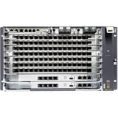
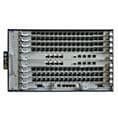


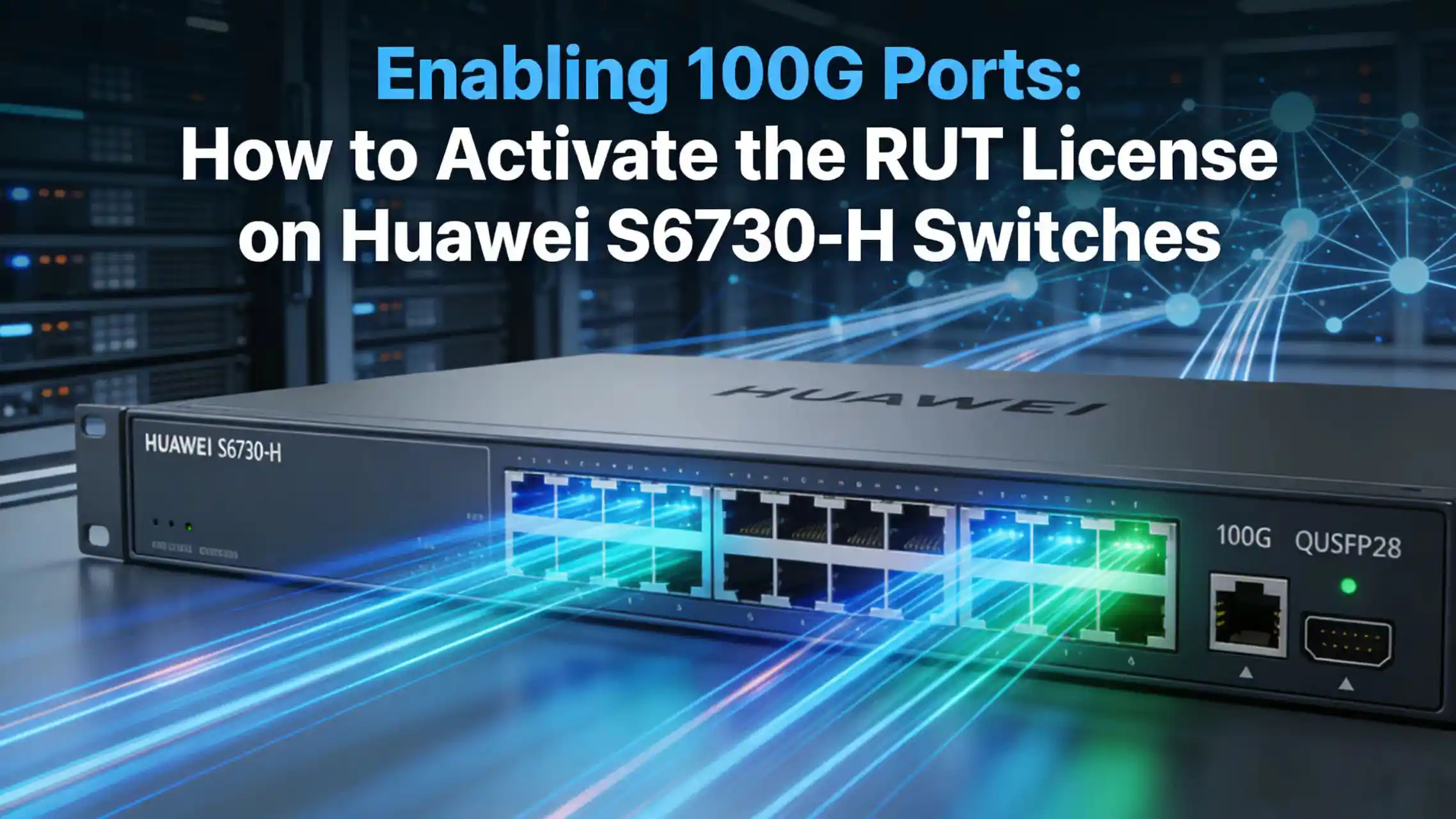
If you’ve just deployed a Huawei S6730-H switch and found that the 100G ports are not available, you’re not alone.
Many engineers assume that 100GE interfaces are enabled by default — but on S6730-H switches, that’s not always the case.
To unlock 100G capability, you need to activate a 100G RUT (Right-To-Use) license.
The good news? The process is actually quite simple once you know where to look.
In this post, I’ll walk you through how to install and activate a 100G RUT license on a Huawei S6730-H switch, using real CLI commands and practical checks — no unnecessary theory.
What Is a 100G RUT License?
On Huawei switches, a RUT (Right-To-Use) license enables specific hardware features without changing the physical components.
For the S6730-H series, the 100G RUT license:
-
Enables 100GE interface capability
-
Is usually a permanent license
-
Is delivered as a license file
-
Must be installed manually on the switch
Without this license, even if the hardware supports 100G and you insert a QSFP28 module, the interface may not show up.
Prerequisites for Activating a 100G RUT License on S6730-H
Before activating 100G RUT license, make sure you have:
-
✅ A Huawei S6730-H series switch
-
✅ A compatible VRP version
-
✅ The 100G RUT license file provided by Huawei
-
✅ CLI access (console or SSH)
-
✅ A way to upload files (FTP / SFTP / SCP / USB)
How to Activate a 100G RUT License on Huawei S6730-H (Step-by-Step)
Step 1 – Upload the 100G RUT License File to the Huawei Switch
First, copy the license file to the switch storage, usually flash:.
Example using FTP:
ftp <switch-ip>
put LIC_S6730H_100G_RUT.dat
After the upload, verify that the file is there:
dir flash:
Step 2 – Install the 100G RUT License on Huawei S6730-H
Enter system view:
system-view
Install the license:
license install flash:/LIC_S6730H_100G_RUT.dat
Step 3 – Verify the 100G RUT License Status
This step is important — don’t skip it.
Check installed licenses:
display license
Then check license resources:
display license resource
Step 4 – Check and Enable 100GE Interfaces on S6730-H
Now let’s confirm that 100G interfaces are actually available.
List all interfaces:
display interface brief
Or check a specific 100GE port:
display interface 100GE1/0/1
If the interface exists and can be configured, the 100G RUT license is working.
Conclusion: Enabling 100G on Huawei S6730-H Switches
Activating a 100G RUT license on a Huawei S6730-H switch is a straightforward task once you know the steps.
After installation, the switch can finally make full use of its 100GE hardware capability, allowing you to deploy high-bandwidth links with confidence.
If you’re working with Huawei switches regularly, understanding how RUT licenses work will save you a lot of troubleshooting time.